In a nutshell
- 🔧 Engineers recommend a wired-first backbone using Cat6A, structured cabling, and Power over Ethernet (PoE) to deliver reliable speeds, low latency, and seamless Wi‑Fi via wired backhaul.
- 🧭 What to install: multiple Cat6A runs per room, a central patch panel, PoE switch, ceiling Wi‑Fi 6/6E APs, plus single‑mode fibre and conduit for future upgrades.
- ⚡ Build resilience with a UPS for the ONT/router and switch, use VLANs to segment IoT, consider 4G/5G failover, and power cameras, doorbells, and sensors via PoE.
- 🏗️ Retrofit vs new build: specify a low‑voltage plan and risers in new homes; in period properties use voids, floors, and mini‑trunking. Typical UK budgets range from £1,200–£3,000 (new build) and £2,000–£5,000 (retrofit).
- 🎯 Outcome: a future‑proof, neat, serviceable network core that simplifies upgrades, stabilises Wi‑Fi, supports multi‑gig internet, and keeps your home ready for next‑gen devices.
Engineers across the UK are almost unanimous: the smartest, most durable upgrade you can make is a wired-first, low-voltage backbone built around structured cabling, Cat6A Ethernet, and Power over Ethernet (PoE). Not glamorous. Not a gadget. A hidden infrastructure that quietly carries your home’s data, power for sensors, and backhaul for rock-solid Wi‑Fi. It’s the plumbing of the digital age. With multi‑gig broadband, streaming, gaming, smart heating, EV chargers, and security devices multiplying, a stable backbone matters. Relying on Wi‑Fi alone is like asking a single tap to feed an entire block of flats. The backbone creates capacity now, and headroom later, so upgrades become simple swaps—not disruptive rebuilds.
The Wired-First Backbone Engineers Recommend
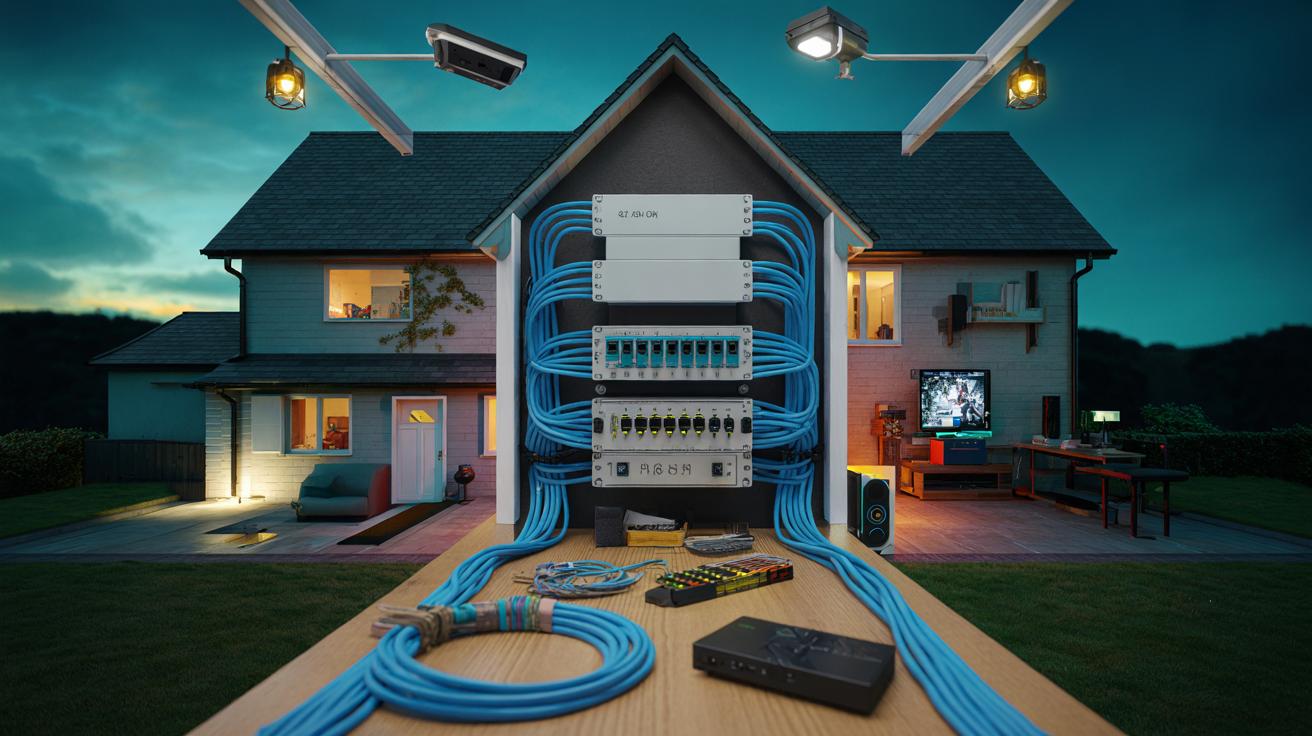
Forget the temptation to just buy a “bigger” router. Engineers advocate a wired-first architecture where each room that matters—office, lounge, media nook, bedrooms—has at least two Cat6A runs terminated at a central patch panel. Why Cat6A? It supports 10 Gigabit Ethernet across typical domestic distances, handles noise better than Cat6, and is a safe bet for the next decade. This backbone isn’t anti‑Wi‑Fi. It supercharges it. Ceiling‑mounted PoE access points on each floor deliver roaming that feels seamless, because the heavy lifting takes place on wired backhaul rather than through airwaves that neighbours also compete for.
Devices that crave consistent throughput—consoles, workstations, TVs, streaming boxes—get a dedicated cable for near‑zero latency and fewer dropouts. Meanwhile, PoE powers cameras, video doorbells, and smart sensors without wall warts. One neat cabinet. One UPS. One managed switch. Centralise the complexity and the home becomes refreshingly simple to live with. That’s the point: resilience, not novelty. A wired-first backbone makes bandwidth predictable and maintenance painless, and it’s the only route that scales as your home’s digital appetite grows.
What To Install: Cat6A, Fibre, and Conduit
The core recipe is straightforward: pull Cat6A to every high‑use zone, add a couple of spare runs where you think life might expand, and route everything to a ventilated cupboard or utility space housing a patch panel, PoE switch, and your broadband gear. Include at least one single‑mode fibre “dark” run from the cabinet to the loft or garage for future multi‑gig uplinks, plus a draw‑rope conduit to each floor and the exterior for painless upgrades later. Ceiling backboxes for wireless access points are worth it; they keep APs out of sight yet perfectly placed. If you watch terrestrial TV or satellite, keep a coax spur; otherwise, IP delivery over Ethernet will do most heavy lifting.
How many drops? For most three‑bed homes, engineers suggest 12–20 data runs: two in the lounge, two in the office, one or two per bedroom, a pair by the TV wall, and a couple to the loft and outbuilding. Install conduit wherever you hesitate, because conduit turns a guess into a reversible decision. Below is a simple snapshot of typical components and UK ballpark costs, assuming mid‑market gear.
| Component | Why It Matters | Indicative UK Cost | Notes |
|---|---|---|---|
| Cat6A cable per run | 10GbE-ready, noise resistant | £30–£60 new build; £70–£150 retrofit | Includes terminations, faceplates |
| PoE switch (16–24 ports) | Powers APs, cameras, sensors | £250–£600 | Check total PoE budget (W) |
| Wi‑Fi 6/6E AP | Wired backhaul, roaming | £90–£220 each | 1 per floor typical |
| Patch panel + cabinet | Neat, serviceable core | £120–£300 | Ensure ventilation |
| Conduit with draw rope | Future‑proofing path | £5–£10/m | Low cost, huge flexibility |
Power, Resilience, and Smart Panels
Once the cables land, attention turns to power and management. A UPS sized to keep the ONT/router, PoE switch, and one AP alive for an hour ensures your home network—and any IP intercom or security cameras—survive short cuts. Surge protection at the cabinet is cheap insurance. Choose a managed switch that supports VLANs, so you can segment IoT devices from laptops and work machines. This is not paranoia; it’s hygiene, and it makes remote troubleshooting cleaner. A small, labelled cabinet is the difference between an enthusiast’s tangle and a professional backbone.
Consider a smart distribution board or sub‑metering on big circuits—heat pumps, immersion, EV chargers—to visualise usage and adjust schedules with real data. While these aren’t fed by PoE, they benefit from the data backbone for control and analytics. Add 4G/5G failover via a second WAN port or router if you work from home; many UK ISPs now play nicely with automatic failover SIMs. Finally, think outside: PoE simplifies garden lighting controllers, gate access, and sheds. One cable. Data plus power. No outdoor sockets to faff with, and fewer callouts when something inevitably needs a reset.
Retrofitting a Period Terrace or Planning a New Build
New builds are easy: ask your contractor for a low‑voltage plan alongside electrics. Specify Cat6A to all TV walls and desks, ceiling AP boxes per floor, and vertical conduit risers from the cabinet to loft and under‑stairs. Keep the cabinet central for even cable runs and place it near the broadband entry. Retrofits demand finesse. In a Victorian terrace, installers can fish cables through airing cupboards, chimney voids, and under suspended floors. Where chasing is impossible, mini‑trunking or skirting‑integrated profiles hide runs neatly, then paint makes them disappear. Expect some patching, but not a war zone.
Budgeting is pragmatic. For a typical three‑bed, a full backbone with 16–20 data points, a 24‑port PoE switch, two or three APs, cabinet, and UPS might land between £1,200 and £3,000 in a new build; £2,000 to £5,000 in a retrofit depending on access and finish. Labour varies by region and the installer’s certification. The trick is to prioritise paths—once conduit and risers exist, the rest can be phased in over months or years. Start with APs and essential rooms; add cameras and desks later. Either way, you’re investing in a skeleton that muscles can attach to as needs evolve.
This upgrade hides in plain sight, but it’s the one engineers back because it endures: a wired-first, PoE‑enabled, conduit‑friendly backbone that lets Wi‑Fi sing, devices behave, and upgrades feel trivial rather than terrifying. It’s not about today’s fastest router; it’s about creating reliable routes for everything you’ll add next year and five years from now. Build the paths, and your choices multiply. With streaming, smart energy, security, and work all competing for uptime, what would a calmer, faster, and more resilient home network change for your day-to-day life—and which room would you wire first?
Did you like it?4.4/5 (24)